
Magic Keyboard with Numeric Keypad (2017)
Lightning
Magic Keyboard with Numeric Keypad is the extended Lightning version documented by Apple in 2017. No Touch ID, not the 2024 USB-C model. The original guide identifies Lightning, Bluetooth and macOS 10.12.4; later biometric-keyboard Apple-silicon requirements are not copied here.

Specs
| Year | 2017 |
|---|---|
| Height | 0.41–1.09 cm |
| Width | 41.87 cm |
| Depth | 11.49 cm |
| Weight | 0.39 kg |
| Wireless | Bluetooth |
| Port | Lightning |
| Cable | Lightning–USB |
| Mac | macOS 10.12.4+ |
| iOS | iOS 10.3+ |
| Mechanism | Scissor |
| Layout | Extended numeric |
History and documentation
Magic Keyboard with Numeric Keypad is the extended Lightning version documented by Apple in 2017. No Touch ID, not the 2024 USB-C model. The original guide identifies Lightning, Bluetooth and macOS 10.12.4; later biometric-keyboard Apple-silicon requirements are not copied here.
Design and specifications
A scissor mechanism under each key and low profile accompany document-navigation controls, full-size arrows and numeric keypad. Apple lists multimedia keys. Regional layouts change legends and some keys: the schematic does not depict an exact national version.
Use and context
Height 0.41–1.09 cm, width 41.87 cm, depth 11.49 cm; published weight 0.39 kg varies by configuration/manufacturing. Wireless Bluetooth and Lightning port. Box includes Lightning to USB cable, not USB-C. Sheet requires Bluetooth Mac with macOS 10.12.4+ or iOS 10.3+ devices.
Notes and image
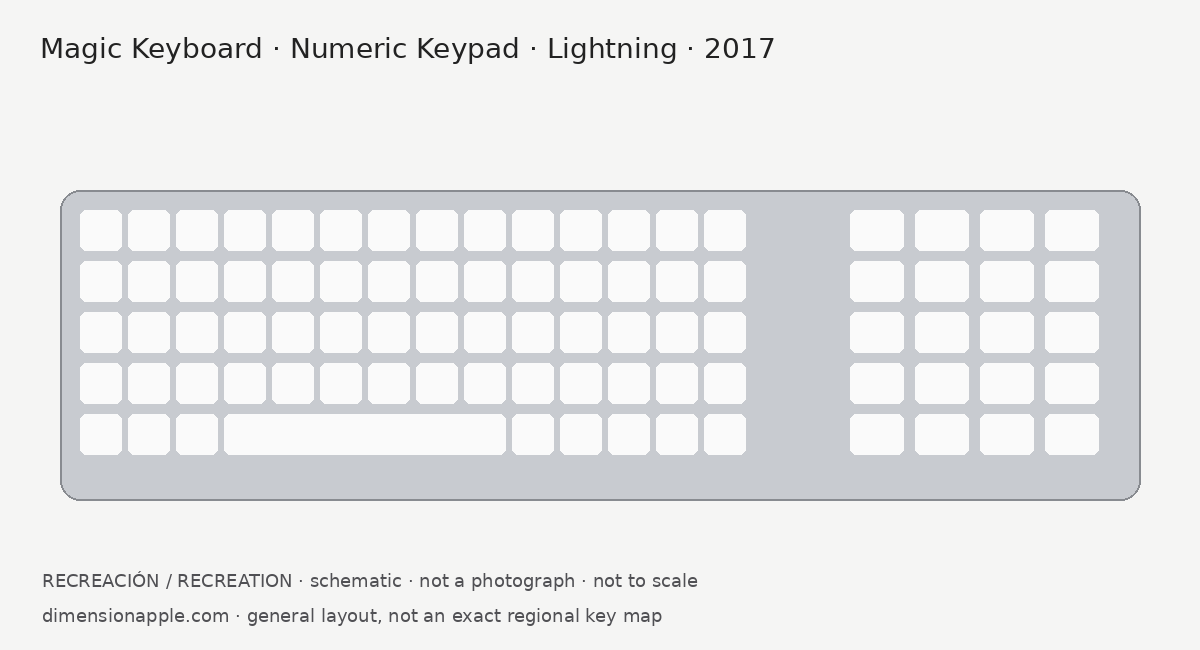
The cable pairs and charges; it can then be disconnected for wireless use. Apple estimates about a month or more per charge, conditional on use and April 2017 preproduction testing, not our measured battery life or a guarantee. No invented launch price. Labeled original schematic recreation, not photograph, scale or exact regional key map.
Sources
- Apple technical specification
- Apple original 2017 user guide
- dimensionapple.com · Original schematic illustration
- magic-keyboard-2015
- magic-keyboard-2015 ⇄ Magic Keyboard with Numeric Keypad (Lightning, 2017)
Connection, power and care
The original guide places the power switch beside the Lightning port. For initial pairing with a Mac, Apple says to connect the included cable and turn the switch on so green is visible; pairing is automatic. The cable does not turn this into the later USB-C keyboard or add Touch ID. The photograph shows its particular layout, not an active pairing.
Charging uses Lightning at the keyboard and USB at a Mac or USB power adapter. The box list includes the cable but does not list that adapter as supplied. Apple explains that the keyboard sleeps when unused and recommends switching it off during extended absences to save more power. It gives no full-charge time here to fill in by analogy.
The approximate month-or-more figure comes from Apple’s April 2017 tests with preproduction Magic Keyboard devices and shipping iMacs. Automated equipment operated the paired keyboard until full battery discharge. This is not a month of continuous typing measured by us or a used unit’s battery test; Apple makes endurance dependent on settings, usage and other factors.
Apple relates document navigation controls to scrolling and the numeric block to spreadsheets and finance applications. These are manufacturer use examples, not productivity measurements. The technical sheet also lists multimedia keys, without making the illustrated layout a universal key map for every region.
For exterior cleaning, the guide calls for a lint-free cloth and no moisture in openings, aerosol sprays, solvents or abrasives. These are Apple’s care instructions, not directions to remove keys or wash the interior. The image cannot establish absence of liquid damage, corrosion or scissor-mechanism wear.
The guide says there are no user-serviceable parts and warns against opening or disassembly, removing, crushing or puncturing the battery, or exposure to high temperatures and liquids. Apple directs lithium-ion battery service or recycling to Apple or an authorized provider. This safety warning does not guarantee an old unit’s nominal capacity or certify inspection of the pictured specimen.
More products
Historical catalogue links
Relationships already recorded in the catalogue, not a complete succession chain. Same-year variants are shown as related. A missing link does not prove that an earlier or later model does not exist.