
Magic Keyboard Folio (2022)
iPad 10th generation / A16
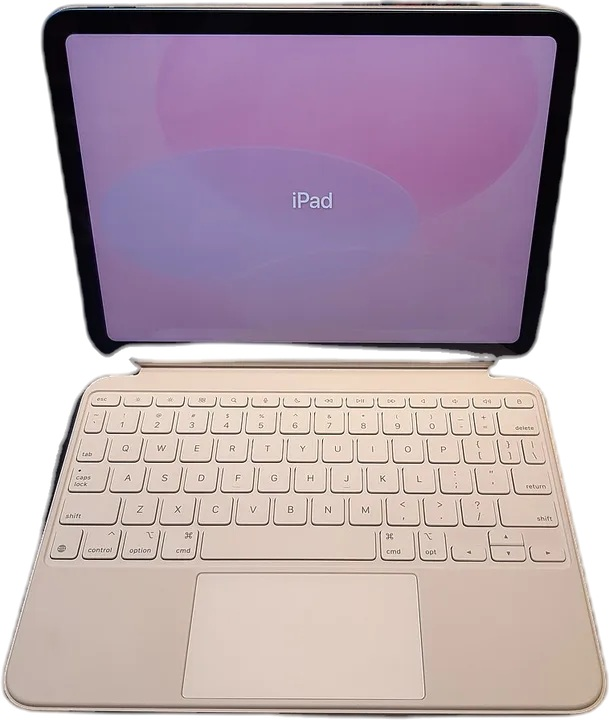
Apple introduced Magic Keyboard Folio on October 18,2022 for the new 10th-generation iPad. The release gives US$249 and white finish. Not the US$79 Smart Folio, a case without keyboard, or the floating-design Magic Keyboard for iPad Pro.
Specs
| Announcement | 2022-10-18 |
|---|---|
| Launch price | 249 USD · US announcement |
| Color | White |
| Pieces | 2 |
| Mechanism | Scissor |
| Travel | 1 mm |
| Function keys | 14 |
| Trackpad | Multi-Touch |
| Connector | Smart Connector |
| Current compatible iPads | iPad 10 · iPad A16 |
| Current system | iPadOS 18.3+ |
| Launch system | iPadOS 16 |
History and documentation
Apple introduced Magic Keyboard Folio on October 18,2022 for the new 10th-generation iPad. The release gives US$249 and white finish. Not the US$79 Smart Folio, a case without keyboard, or the floating-design Magic Keyboard for iPad Pro.
Design and specifications
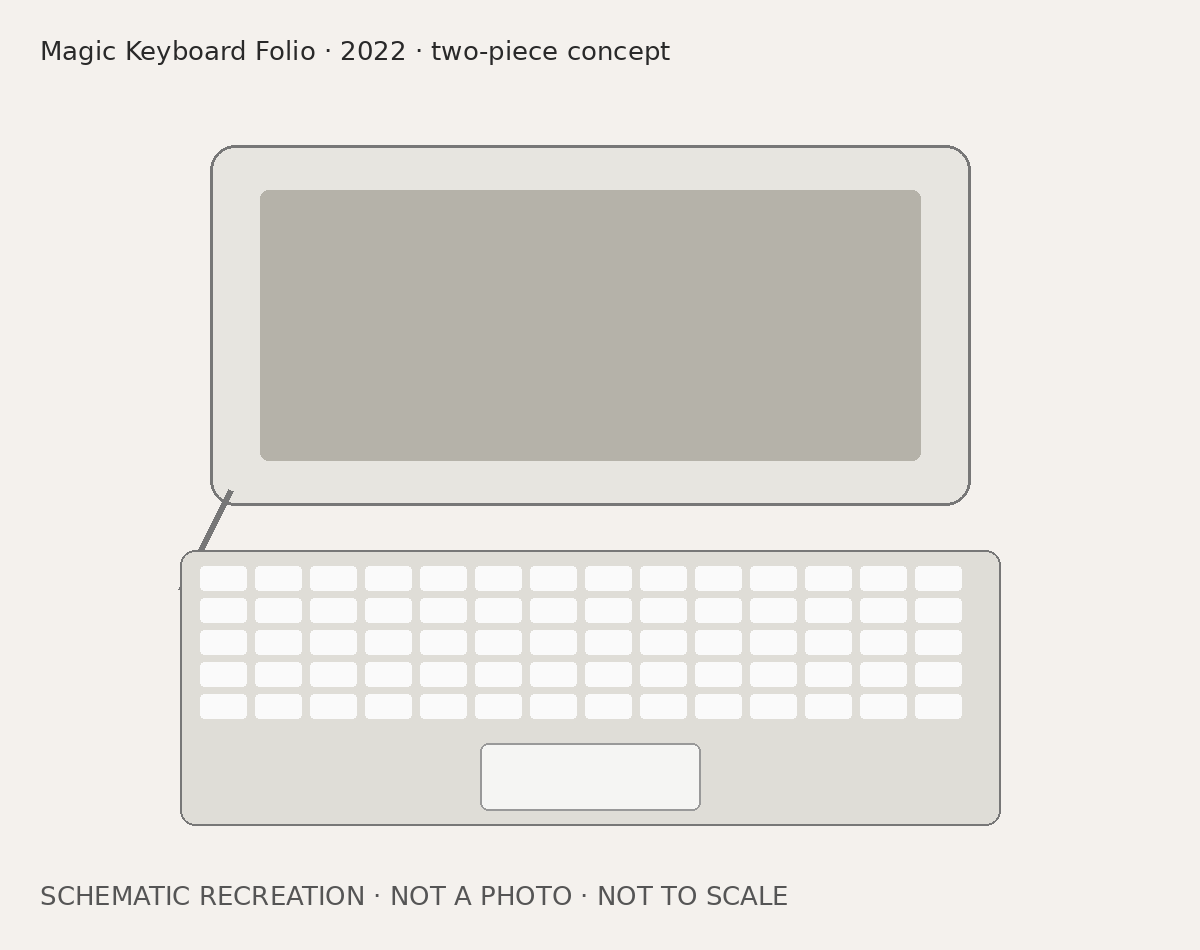
Two pieces: detachable keyboard and protective back cover with adjustable stand. Both attach magnetically. Keyboard connects to the iPad edge Smart Connector for data and power, so no Bluetooth pairing or separate charging. It can be detached or folded behind.
Use and context
Scissor mechanism with 1 mm travel, full-size keys,14-key function row and large click-anywhere trackpad supporting iPadOS Multi-Touch gestures. iPad dimensions are not turned into accessory dimensions or weight, absent from the originals consulted.
Notes and image
Current tech lists iPad 10th generation and iPad A16 with iPadOS 18.3 or later. Current support state, not 2022 minimum: the announcement describes iPadOS 16. A16 compatibility alone does not prove a new physical revision. Labeled original schematic recreation, not photograph or exact regional layout/scale.
KEYBOARD POSITIONS AND MAGNETIC PRECAUTIONS
The Magic Keyboard Folio guide says to place the microfiber side of the back panel against the back of iPad. The stand belongs to that panel: it can still support the display when the keyboard is detached. Removing the keyboard does not require removing the back cover and its stand. Apple · Magic Keyboard Folio · Positions and magnets
Apple documents two ways to fold the keyboard behind iPad. With the keys facing out, key presses do not register. To protect the keys, it says to detach the keyboard, turn it 180 degrees, reconnect it to the Smart Connector and fold it behind. This does not describe forcibly twisting the parts while they remain attached. Apple · Magic Keyboard Folio · Positions and magnets
The magnets holding iPad call for a specific precaution: Apple advises against placing magnetic-stripe cards, such as credit cards or hotel key cards, inside the Folio or between it and iPad, as contact might demagnetize them. The warning concerns the magnetic stripe; it neither promises nor rules out effects on every other card technology. Apple · Magic Keyboard Folio · Positions and magnets
Sources
- Apple original announcement, 18 Oct 2022
- Apple current technical specification, checked 6 Nov 2026
- dimensionapple.com · Original schematic illustration
- smart-keyboard-105-2017
- smart-keyboard-105-2017 ⇄ Magic Keyboard Folio (iPad 10th generation / A16, 2022)
More products
Historical catalogue links
Relationships already recorded in the catalogue, not a complete succession chain. Same-year variants are shown as related. A missing link does not prove that an earlier or later model does not exist.